




Skip to content

Why Schoolak exists

A school is one community: its office, its teachers, its students and their families. Schoolak gives them one place to work together, where each person sees what is theirs to see.

A courtyard shaded by sand-coloured sails, with arched doorways beyond
A mother and her young daughter walk hand in hand out of a covered passage, past parked bicycles, into the sunlight
CourtyardWhere every room of the school meets

Many schools run on a patchwork: a student system here, a fee ledger there, timetables in spreadsheets and conversations scattered across personal phones. Each tool works on its own, and the child, the class and the family fall into the gaps between them. Schoolak puts that work in one place, in Arabic, English and French.

InsteadOne record for each child, seen by the people who should see it
Who Schoolak is for

Four kinds of people share a school’s information. Each one opens Schoolak to their own part of it.

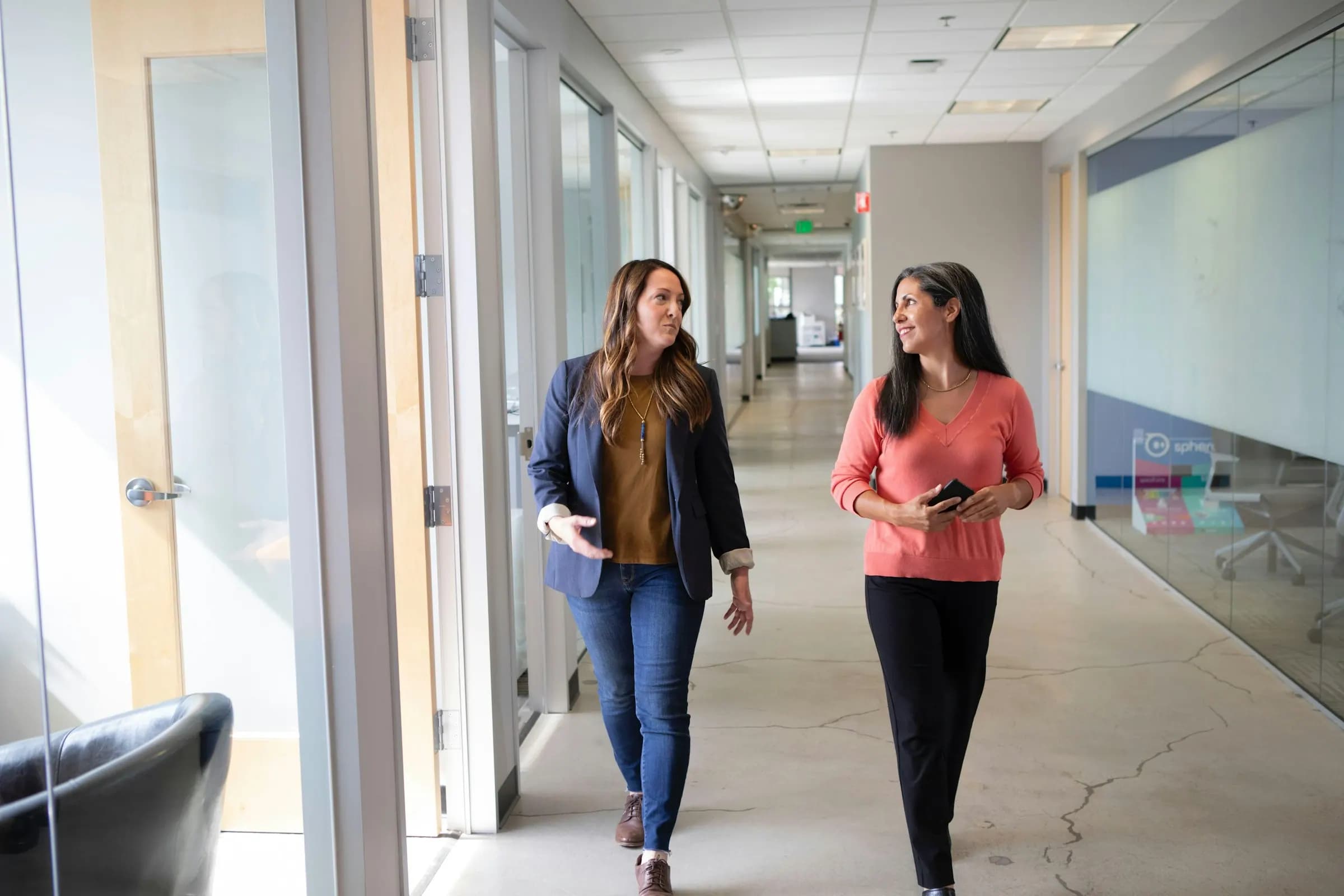
  • Two colleagues talk as they walk down a bright corridor

    School leaders and the office

    Enrol students, review applications, and keep fees, staff and the timetable in one place. Decide who may see and do what, role by role. Term results reach families only once you approve and publish them.

  • Four colleagues lean over printed pages around a shared table

    Teachers

    Take the register, set homework, and watch marks from homework and exams gather in one gradebook. Mark a submission and leave feedback that the student and their family can read.

  • A student reads among tiered bookshelves in a modern library

    Students

    See what is due, hand homework in and read your teacher’s feedback. Sit exams on a computer or a phone: answers save as you go, and the exam keeps its own time. See your results once the school publishes them.

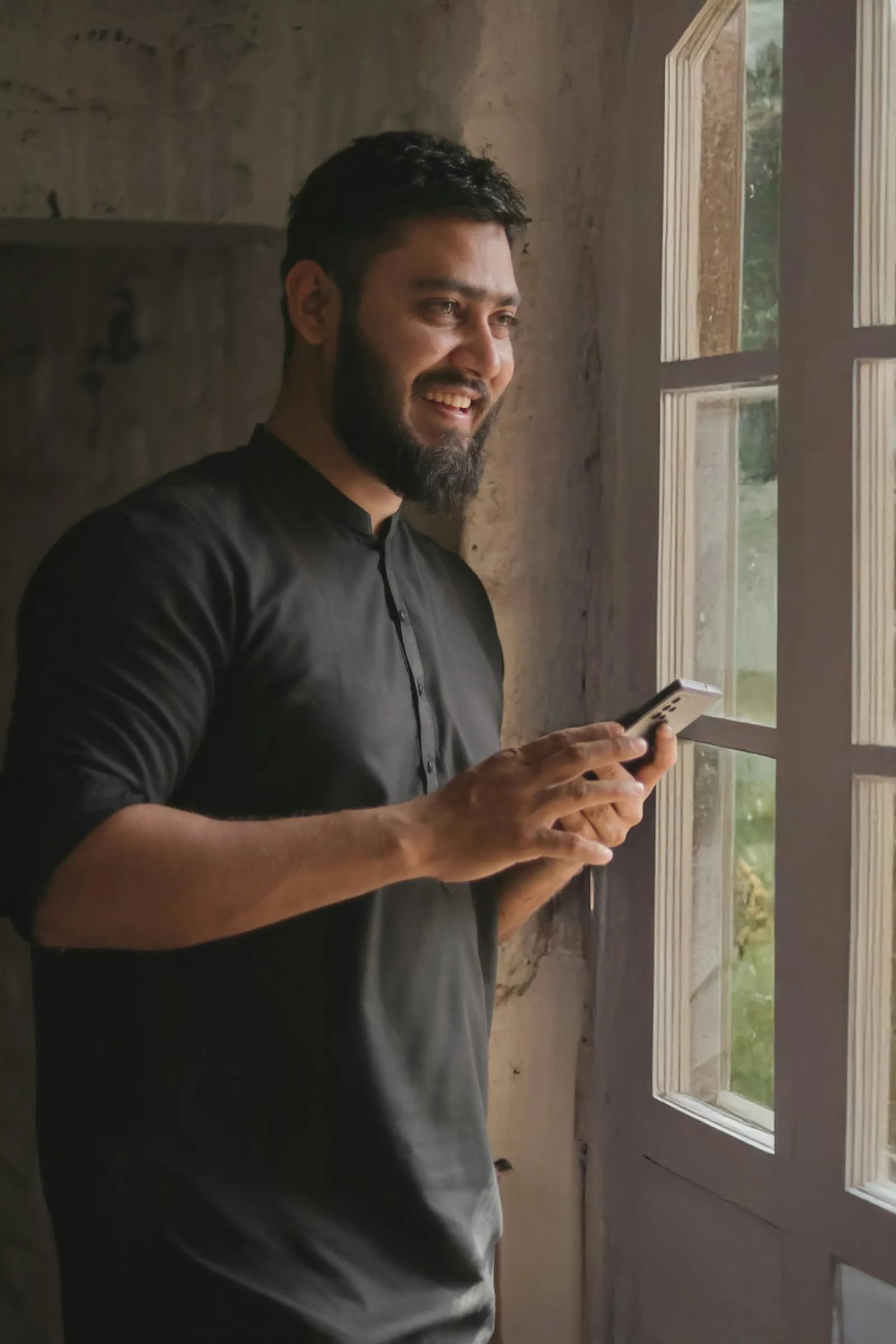
  • A parent smiles as he reads a message on his phone by an open window

    Guardians

    Follow your own child’s attendance, homework and published results — never anyone else’s. If your child is marked absent, the app tells you, and you can send the excuse from there. Notices and messages from the school arrive in the same place.

Vision and mission

Vision

A future where every school can operate clearly, educators can focus on teaching, and families remain connected to each student’s journey.

Mission

To give schools a practical, secure, multilingual platform that replaces fragmented daily work with one connected system.

What Schoolak is built on

The rules the product is designed by, and what each one means for your school.

  • One system for the whole school

    Administration, communication, safety, transport and family engagement run on one platform.

  • Your school is its own space

    Every school is kept logically apart from every other, while the platform itself is run centrally.

  • Set up, not rebuilt

    A school changes its own settings, workflows and permissions — without anyone writing code.

  • Access is checked, never assumed

    No page, action, export or sensitive field opens on a job title alone: every access is checked against a permission.

  • Important changes leave a record

    Who made the change, when, and what changed.

  • Privacy is designed in

    Above all for students, photographs, transport, medical notes and guardians’ details.

  • Built in modules

    Each module and feature can be switched on or off, limited, tried out, or offered as part of a plan.

  • The phone first, for work on the move

    What families, students and teachers do every day works in the Schoolak phone app as well as on the website; a few office tasks, such as admissions and hiring, are on the website only.

How your school’s information is protected

The platform’s protections, grouped by what they protect. Open a group to read how each one works.

Who can see what

  • Multi-tenant isolation

    Every school is an isolated tenant. A record that belongs to another school answers “not found” — never a hint that it exists.

  • Permission, scope and relationship

    Access is a permission, a scope and a real relationship — a teacher sees only assigned sections, a guardian only linked children.

  • A delegation ceiling

    The platform caps which permissions a school’s own administrators may hand out; a school cannot grant what it was never allowed to delegate.

  • Search within your authority

    Search only finds what you could already open; health, behaviour and message bodies are never indexed.

Logging in, and staying logged in

  • Live session checks

    Every request re-checks that the session and the account are still live, so revoking a device or disabling an account takes effect immediately.

  • Session policies

    Schools set inactivity timeouts, maximum session age and concurrent-session limits; refresh tokens rotate and reuse is detected.

  • Lockout without enumeration

    Repeated failed log-in attempts lock the account without letting a stranger lock out its owner, and no response reveals whether an address has an account.

  • Rate limiting

    Log-in, password reset, invitation and token endpoints are rate-limited per address and per subject, with an honest Retry-After.

  • A Login ID, email optional

    Everyone signs in with an 11-digit Login ID, so an email address is optional; someone without one gets a reset code from staff at their school.

  • Single-use links

    Reset and invitation links are single-use, expiring and stored only as hashes; invitation mail is queued durably and retried, and delivery is reported truthfully.

Files

  • Malware scanning

    Every uploaded file is scanned before anyone can open it; an infected file is quarantined, and a scanner error is never treated as clean.

  • File access through the record

    A file carries no authority of its own: access is decided by the record it belongs to, links are short-lived and signed, and every download is logged.

Changes and oversight

  • Audit inside the transaction

    Important changes are audited in the same transaction that makes them: if the audit cannot be written, the change does not happen.

  • Explicit support access

    Schoolak staff have no back door: support access is explicit, time-boxed, read-only, limited to one school and a small set of read keys, and audited on every request.

  • Lifecycle enforcement

    A suspended or archived school stops answering on the next request, for its users, for background jobs and for support access alike.

How the platform is run

  • Modules enforced on the server

    Modules are enforced on the server, not hidden in the interface, and a feature that is not built cannot be switched on or billed.

  • A separate integration credential system

    Integrations use their own hashed, tenant-bound API keys with daily quotas, and webhooks are signed and protected against server-side request forgery.

  • Engineering gates

    Migration history is immutable and replayed on every build; secrets are scanned, dependencies checked and static analysis runs on every change.

See Schoolak at work

See each part of the product in the room where it is used, or walk through the school in 3D — every door opens onto a part of Schoolak.